
Base package
Connect your number.
Keep an eye on your connection.
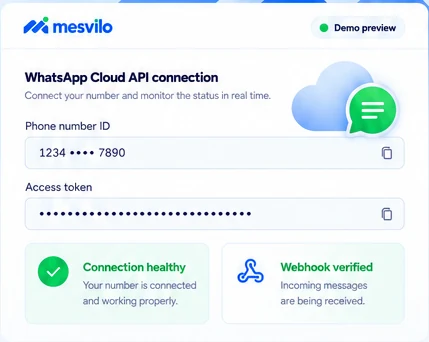
Set up the official WhatsApp Cloud API and check connection and webhook status.
Official Cloud API connection
Use the official WhatsApp Cloud API with your own number.
Webhook verification
Verify your webhook to receive incoming messages reliably.
Connection health visibility
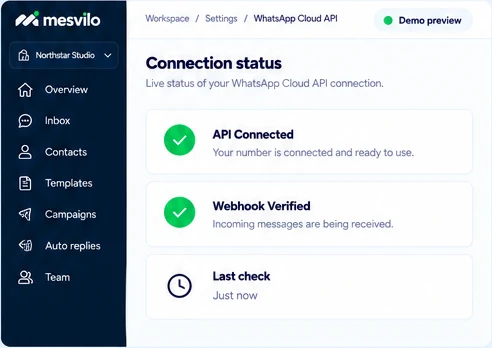
Keep an eye on connection status and webhook status at a glance.
How it works
Get connected in three steps.
Set up your WhatsApp Cloud API and start monitoring your connection.
-
1
Enter your connection details
Add your phone number ID, access token and webhook URL.
-
2
Verify the webhook
Complete webhook verification to receive incoming messages.
-
3
Check line status
Make sure your connection and webhook are working properly.
Frequently asked questions
Does this use QR pairing?
The base package connects through the official Cloud API.
How is the number connected?
Configure the phone number ID, access token and webhook.
Still have questions? Contact our team →

Start with a clear connection.
Set up your WhatsApp Cloud API and keep an eye on your status.